

Exporting Textures
Source 2 Viewer shows textures and exports them as images. The examples use files from Counter-Strike 2's game/csgo/pak01_dir.vpk.
Finding Textures
Textures are .vtex_c files, mostly in materials/ folders or next to a model, such as weapons/models/ak47/materials/. Interface images are in panorama/images/.
A texture is named after the image it was made from, followed by a hash: ak47_default_color_psd_5b66a23b.vtex_c was made from ak47_default_color.psd. The References tab of a material lists its textures.
Texture Viewer
Double-click a .vtex_c file to open it. Scroll to zoom and drag to pan.
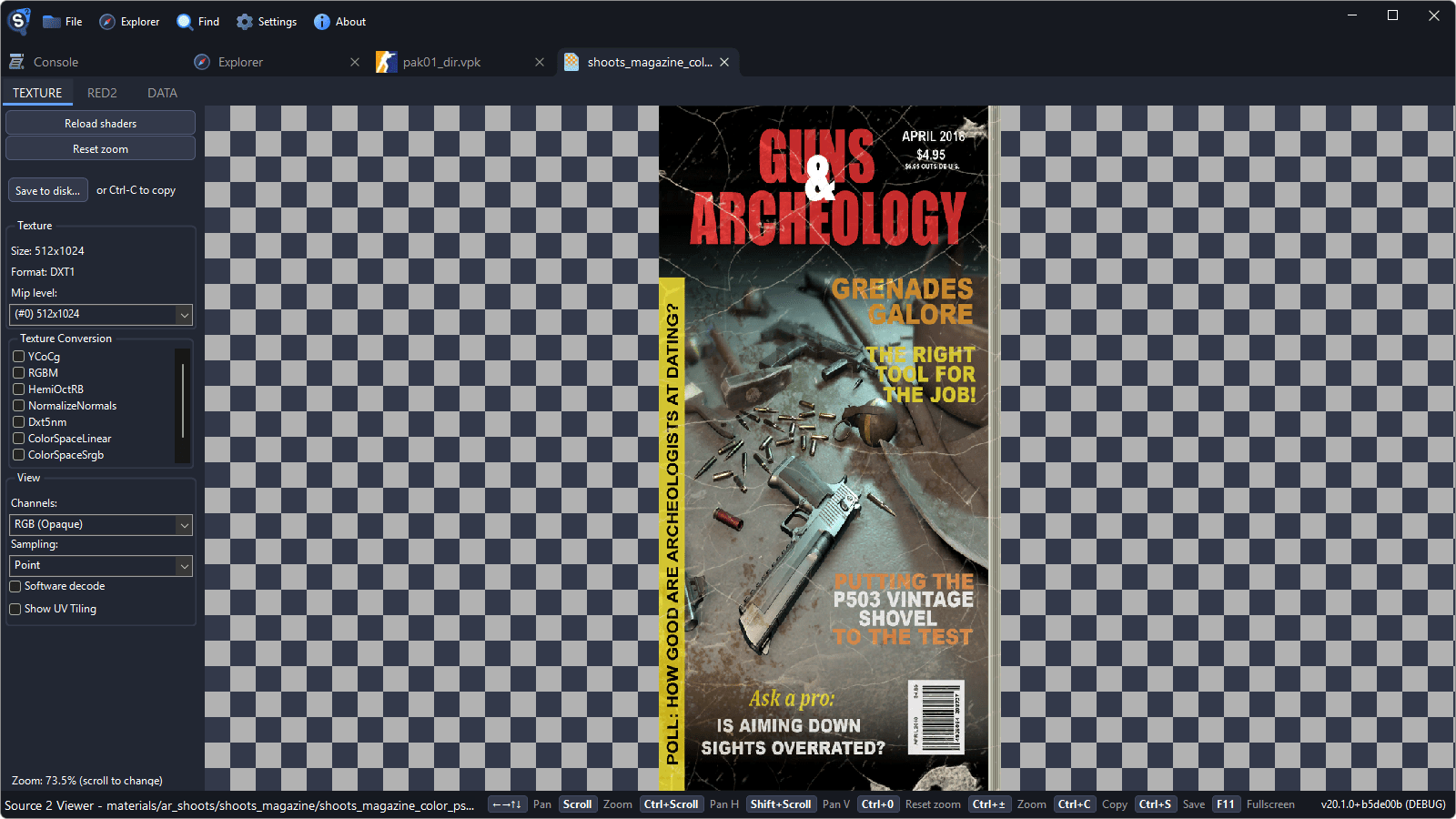
Channels
Many textures keep different data in each channel, such as roughness in red and metalness in green. The texture itself does not say what its channels hold: the shader of the material that uses it decides that. Pick what to show in Channels:

- Red, Green, Blue and Alpha show one channel in gray.
- RGB (Opaque) ignores the alpha channel, and RGBA (Transparent) uses it as transparency.
- RGB | A and R | G | B | A show the channels next to each other, or one above the other for textures wider than they are tall.
Textures open as RGB (Opaque), except vector graphics and particle textures, which open as RGBA (Transparent).
Cubemaps
Skies use cubemaps, such as materials/skybox/sky_de_dust2_exr_908a35ba.vtex_c. Projection type shows them as a panorama, a cross of six faces, or one face at a time.
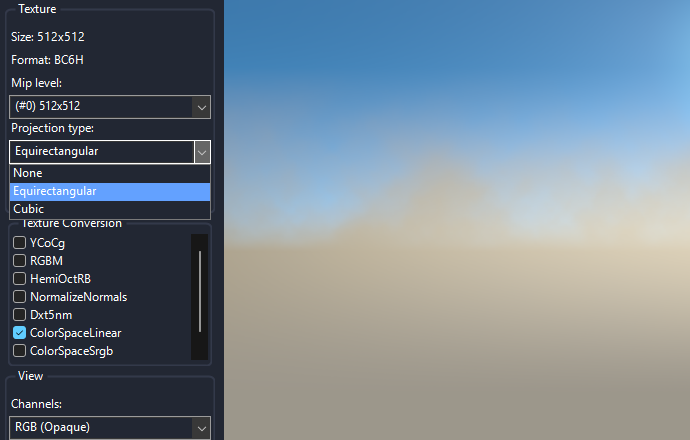
HDR textures, such as this sky, export as EXR with their full brightness range.
Saving What the Viewer Shows
Save to disk... in the sidebar saves the texture as the viewer shows it, with the picked channels or projection. HDR textures can also be saved as EXR. See Saving Textures as Images.
Exporting a Texture
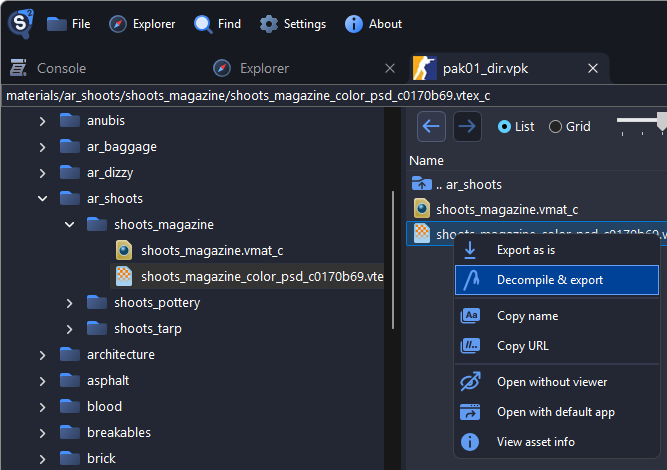
Right-click the texture and choose Decompile & export.
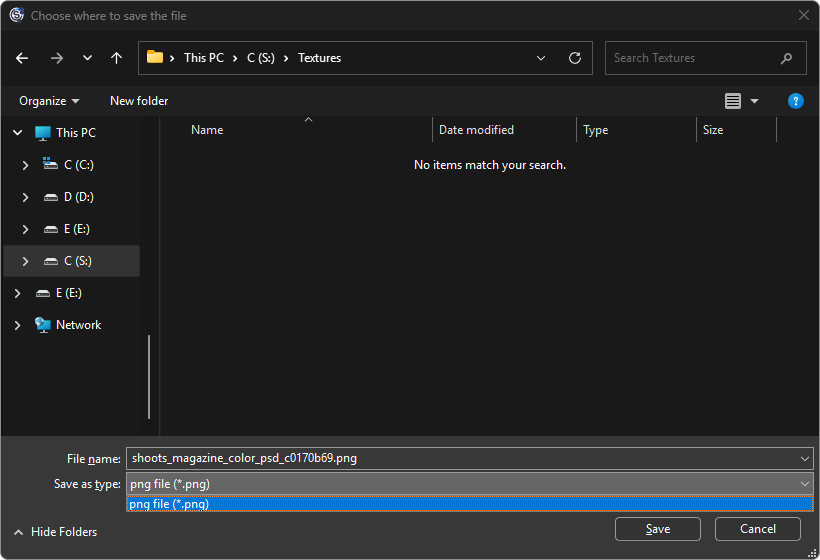
Choose a folder and click Save.
A window shows when the export is done.

Textures are written as PNG, HDR textures as EXR, and textures stored as JPEG or WebP keep that format. A texture compiled from a .vtex file of its own is saved as that .vtex, with the image next to it. The exported image keeps the alpha channel.
Decompile & export on a material writes the .vmat and its textures, with textures that pack several maps split into one image each.
Exporting a Folder
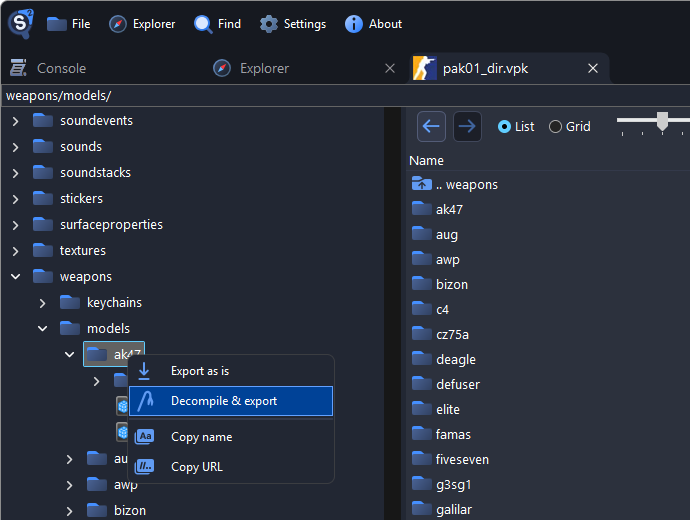
Right-click a folder and choose Decompile & export.
Keep image for
vtex_c. Setvmat_cto* Do not export *to get every texture under its own name instead of through its materials.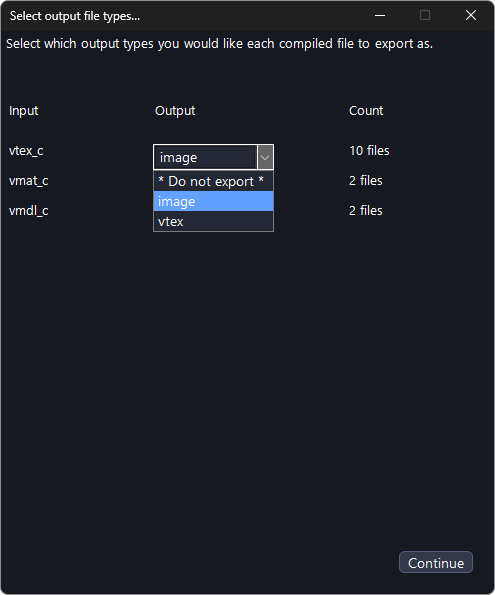
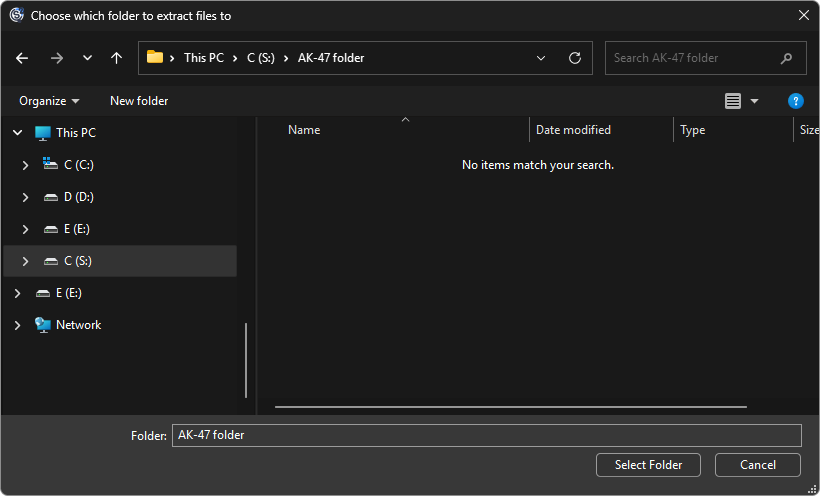
Click Continue and choose the folder to export to.
Command Line
This exports every texture in the AK-47's folder with the command-line utility:
./Source2Viewer-CLI.exe -i "steam:730/game/csgo/pak01_dir.vpk" -o "exported" -d --vpk_extensions "vtex_c" --vpk_filepath "weapons/models/ak47/"Add --texture_decode_flags "ForceLDR" to write HDR textures as PNG.
To turn an image into a .vtex_c, compile it with the game's Workshop Tools.
Texture Names
The end of a texture's name usually tells what it holds:
_color: the base color_normal: the normal map_rough: roughness_ao: ambient occlusion_mask: masks